
🚚 FREE DELIVERY for orders over 50 JD

🛡️ 24-month warranty on every Shelly device

📍 Local support in Amman

Shop Products

Shelly X Amazon Alexa

Amazon Alexa

Smart Assistant

  • 4 scenarios
  • Free Shelly Smart Control app

Introduction

Make your smart home even smarter!

Shelly devices are compatible with Amazon Alexa! Set routines and activate various lights and equipment with voice commands. Your smart home awaits you!

Single device controlControl any individual Shelly device in your home with simple commands.
Room controlControl all devices in a room by using your voice.
Scene controlUse a simple command to change the whole mood in the room!

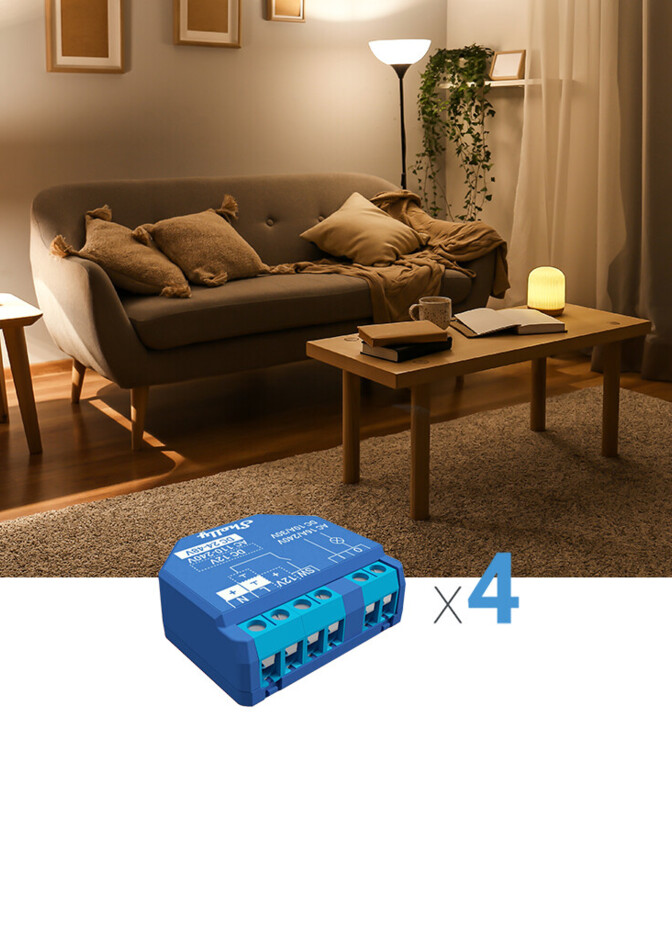
Control the lights from the couch

Imagine that! You are chilling on the couch and you just found the perfect spot, but the lights are shining way too bright for you to enjoy your movie. The lights switch is way too far and your phone is nowhere around. Don’t worry! No need to get up, because now you can connect your Shelly devices to Amazon Alexa and control them with just your voice! So easy and convenient! Just say: “Alexa, dim living room lights!” and enjoy!
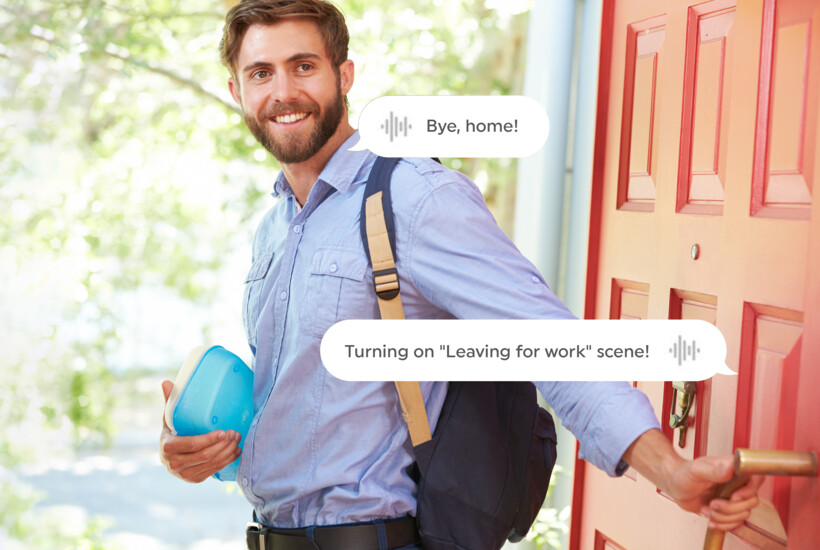

Multi-action routines

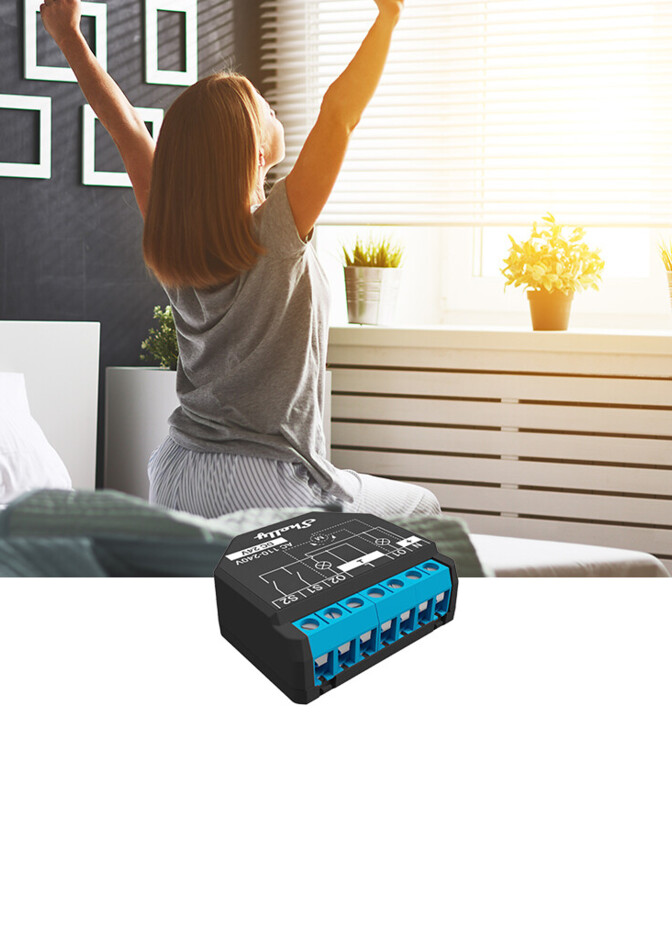
Close the blinds, and turn off all the lights and heating with just one word! You can include your Shelly devices in your Alexa Routines and set your voice assistant to do all-in-one actions by saying:

“Bye, home!” or “I’m leaving.”

"Bye, home!" Never forget the lights on again!

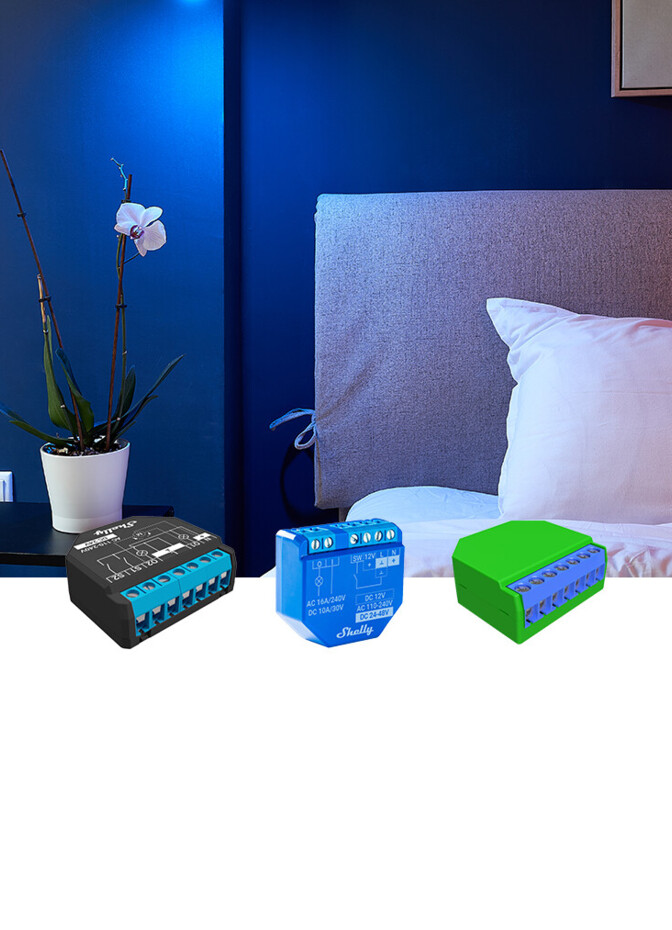
Automation for every mood

Are you in the mood for “Movie night”? Or maybe some Game time on your PlayStation? Or you have friends over for a Karaoke battle. Just say the command “Alexa, turn on Movie Night/ Livingroom Karaoke” and Alexa will play the right scene.

Shelly will dim the lights and close the blinds so that you can enjoy your favorite movie. Or it will turn on the LED lights and start the Karaoke machine to ensure that you and your friends have the right scenery for a jam session.

Set scenes for every mood with Shelly!

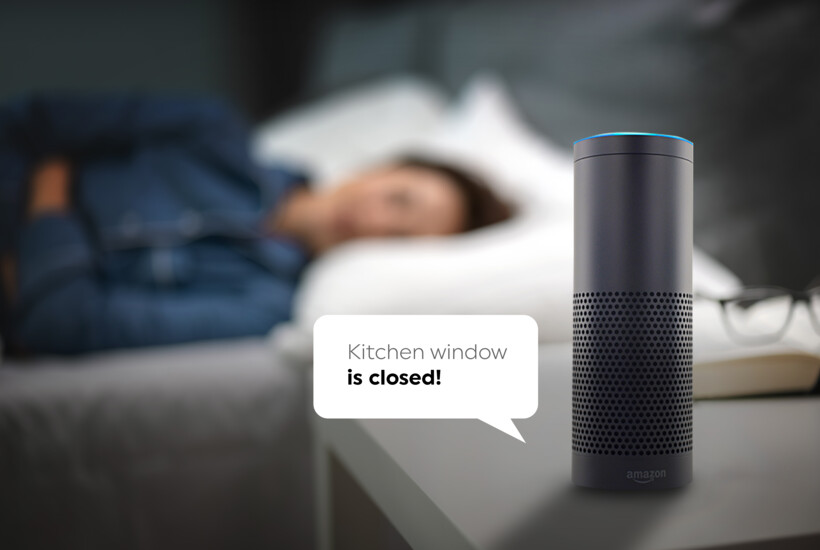
Check the state of your home

If you are already in bed and under the cozy blanket, but you are not sure whether you forgot to close the kitchen window or not, just ask Alexa:

“Alexa, is the Kitchen window open?”.

Alexa will check the status of your Door/Window2 sensor and will let you know!

Set up

How to get started with Shelly x Amazon Alexa?

  1. 1Step 1

    Download the Shelly Smart Control application from your app store and add your Shelly devices following the inclusion steps in the user manual.

  2. 2Step 2

    Open your Alexa app and go to the skills tab.

  3. 3Step 3

    Then in the search field, type “Shelly Smart Control”, click on it, and press “Enable to use”.

  4. 4Step 4

    When the “Enable to use” button is clicked, Alexa opens the “my.shelly.cloud” – login page.

  5. 5Step 5

    Log in to your account and the “Discovery device” process will start. You will see an “Alexa is looking for devices” message.

  6. 6Step 6

    When the “Discover devices” process ends, you will see a message with information on how many new devices have been found. Then, all your Alexa-enabled devices will be ready to control your Shelly devices.

Works with everything you already use

  • Amazon Alexa
  • Google Home
  • Apple HomeKit
  • Matter
  • Home Assistant
  • SmartThings