

Shelly X Smart Things
Samsung SmartThings
Smart Assistant
Introduction
Make your smart home even smarter!
Now you can include your Shelly devices in Smart Things for an effortless home automation experience. You can control electrical and lighting products, home appliances, sensors, gateways, and much more.
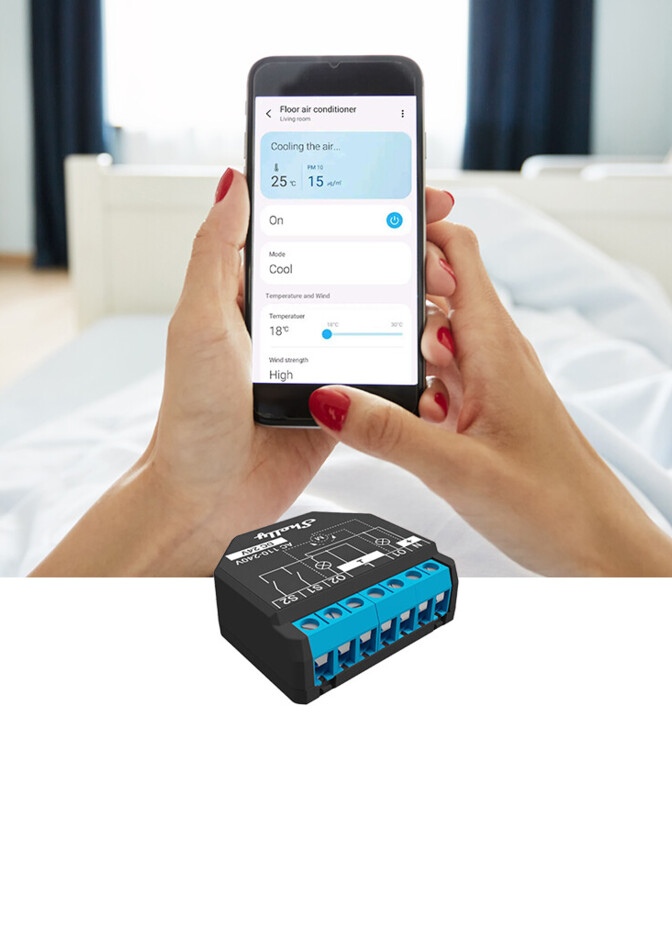 Single device controlControl any individual Shelly device in your home with Smart Things intuitive app.
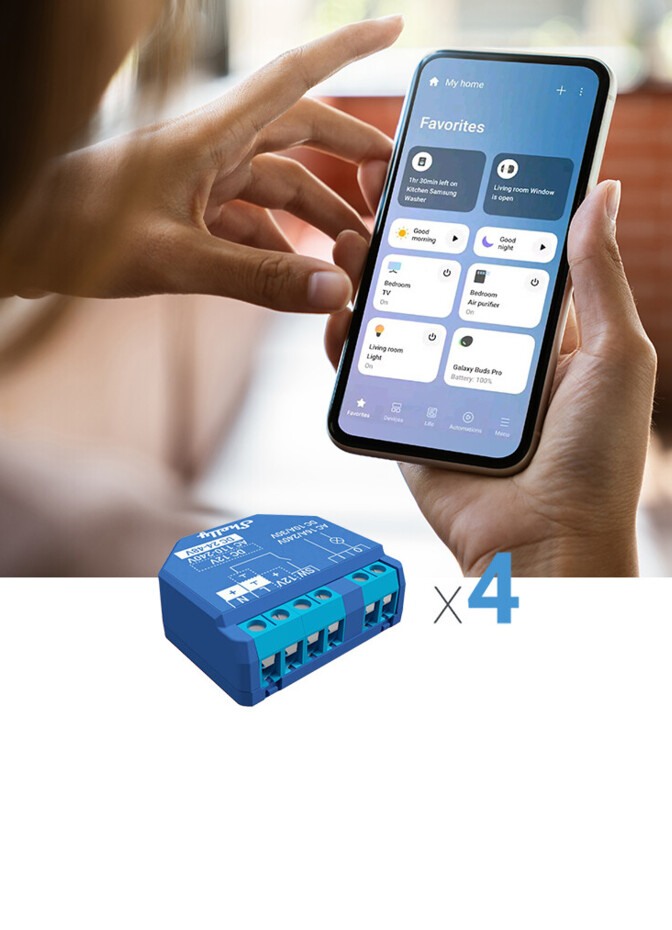 Room controlControl all devices in a room simultaneously by creating groups.
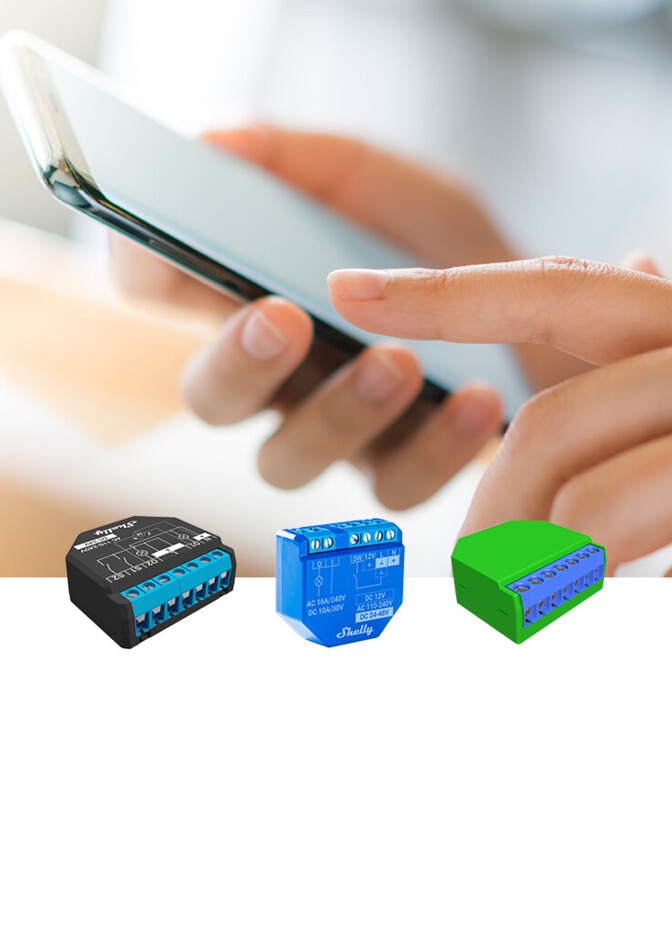 Scene controlGet creative by syncing multiple devices into one seamless action.
Set up
How to get started with Shelly x Smart Things?
- 1Step 1
Download Shelly Smart Control application from Google App Store and add your Shelly devices following the inclusion steps in the user manual.
- 2Step 2
Go to the room you set up during the app setup or create a new room for your Shelly devices.
- 3Step 3
Select "Add device" and choose the option "By brand". In the alphabetical order of the brands, go to "S" and select Shelly.
- 4Step 4
Log in to "Shelly Cloud" with the credentials of your Shelly Cloud account. Wait for the SmartThings and Shelly connection to fully load.
- 5Step 5
Once this process is completed, all of your devices connected to Shelly Cloud will be available in SmartThings.
Works with everything you already use
- Amazon Alexa
- Google Home
- Apple HomeKit
- Matter
- Home Assistant
- SmartThings