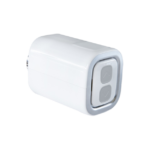
Voice Activation of various actions
Set Google Home to turn on any light with a simple command “Ok Google, turn on the Kitchen light”. That way you will not have to stumble in the dark when your hands are busy carrying groceries to the fridge.


Shelly X Google Home
Smart Assistant
Introduction
Make your life more accessible through the convenient intelligent voice interaction of Google Assistant. You can control electrical and lighting products, home appliances, sensors, gateways, and much more.
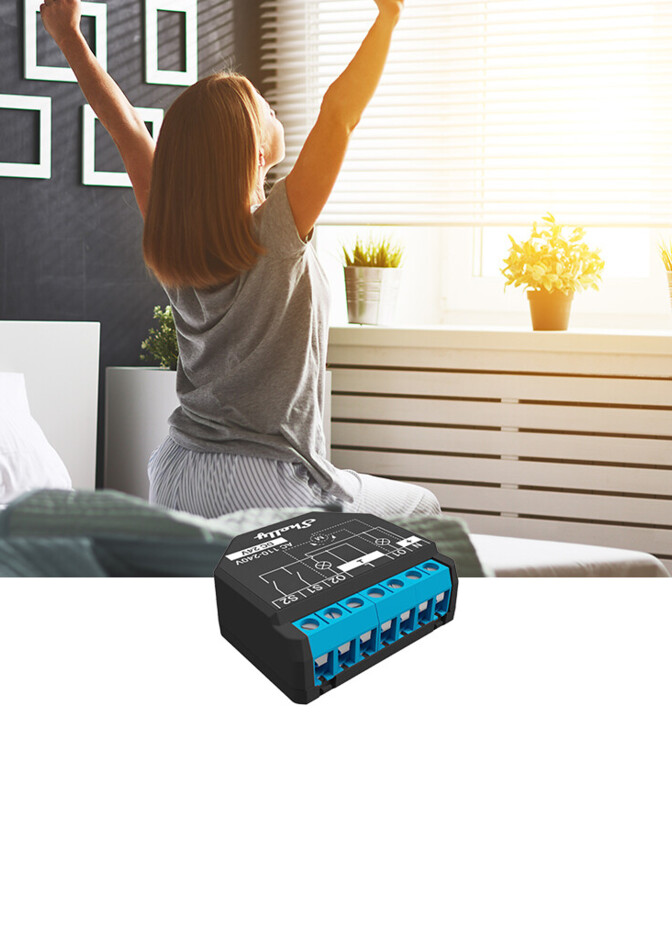 Single device controlControl any individual Shelly device in your home with simple commands.
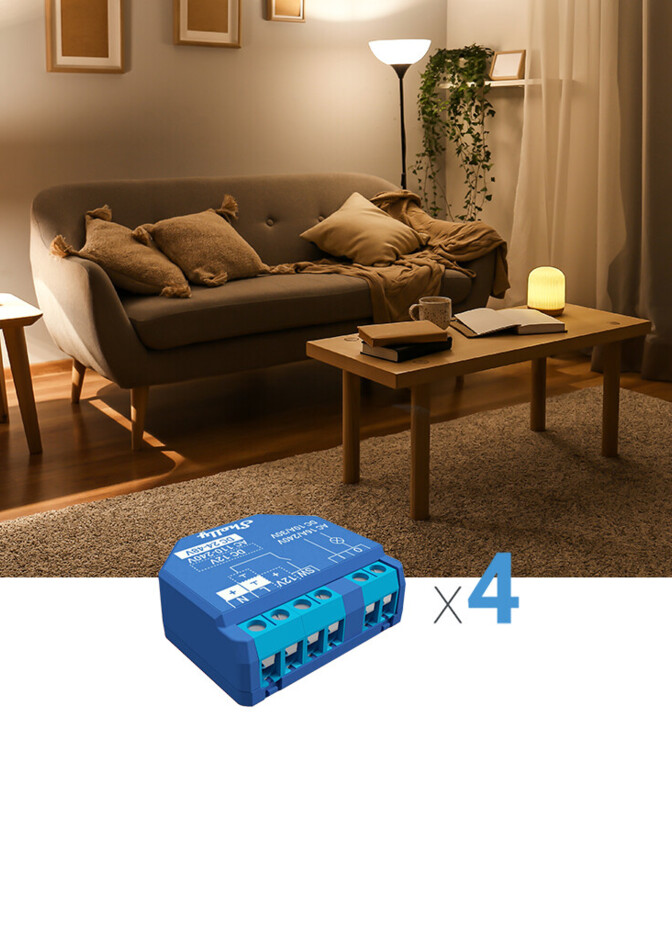 Room controlControl all devices in a room by using your voice.
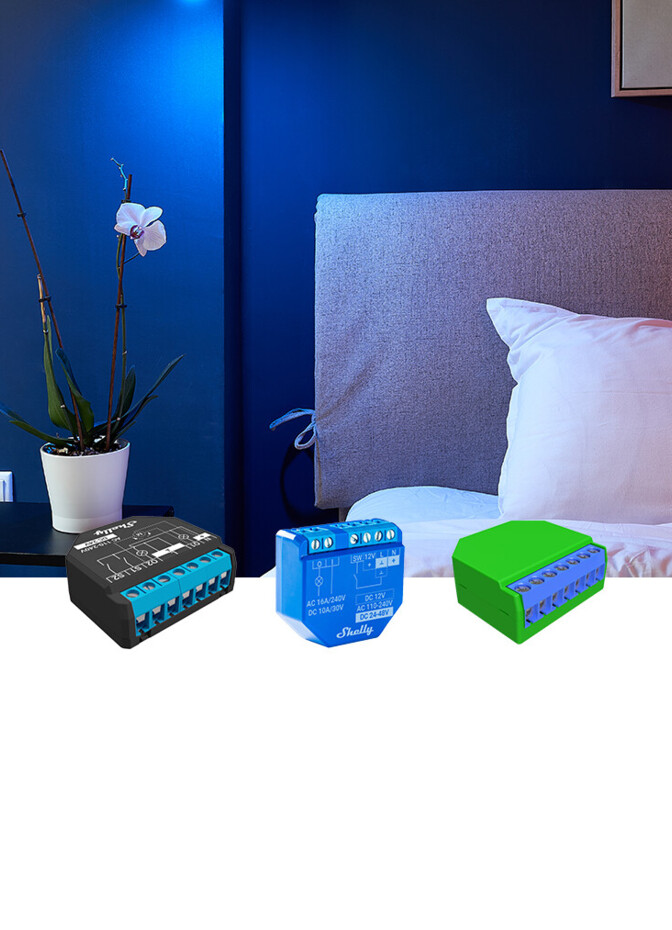 Scene controlUse a simple command to change the whole mood in the room!
Set Google Home to turn on any light with a simple command “Ok Google, turn on the Kitchen light”. That way you will not have to stumble in the dark when your hands are busy carrying groceries to the fridge.
Let Google Home begin your morning routine by waking you up with natural light without irritating your eyes. Set Google Home to open the blinds at a precise percentage with a simple: “Ok Google, set bedroom blinds to 25%.” Allow yourself several lazy minutes while enjoying the sun.
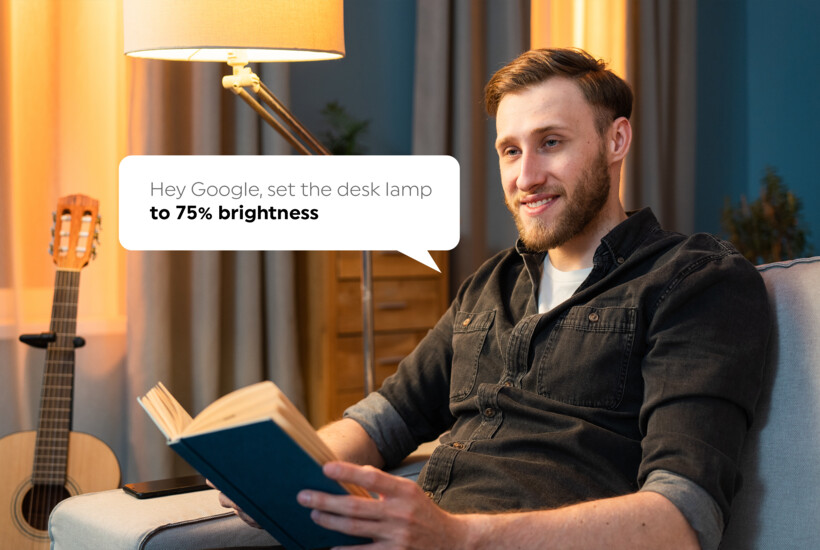
Reading lamp is not bright enough? Set the precise percentage of the light that will suit you perfectly with a simple voice command – “Hey Google, set the desk lamp to 75% brightness”. You can also use commands to set the best color temperature for the occasion – “Hey Google, set desk lamp to warm lights”.
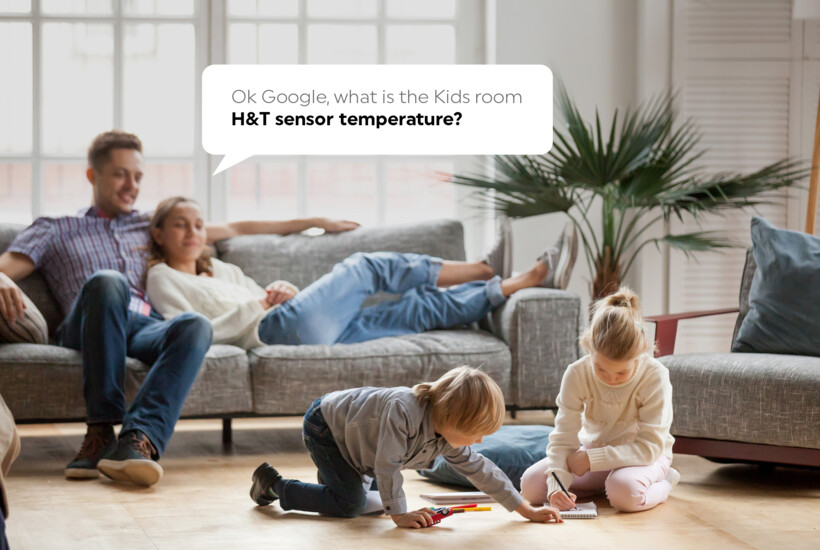
No need to check the sensor measurements on your phone to keep track of the temperature in your home. Simply ask Google! “Ok Google, what is the Kids room H&T sensor temperature?” And then quickly adjust the heat levels with a quick command “Ok Google, set Shelly TRV to 27 degrees.”
Recommended products:
Set up
Download the Shelly Smart Control application from your app store and add your Shelly devices following the inclusion steps in the user manual.
Open Google Home application. Go to “Settings” and then select “Works with Google”. In the “Search” field type: “Shelly Smart Home” and click on it. Google will open the “my.shelly.cloud” – login page.
Once you log in to your account, the verification linking process will start.
When the linking process is done, all available devices will be displayed on the screen. Press “Done”
All your Google Home-enabled devices will be ready to control your Shelly devices.